
First run & pairing
With the container running, open http://<your-pi>.
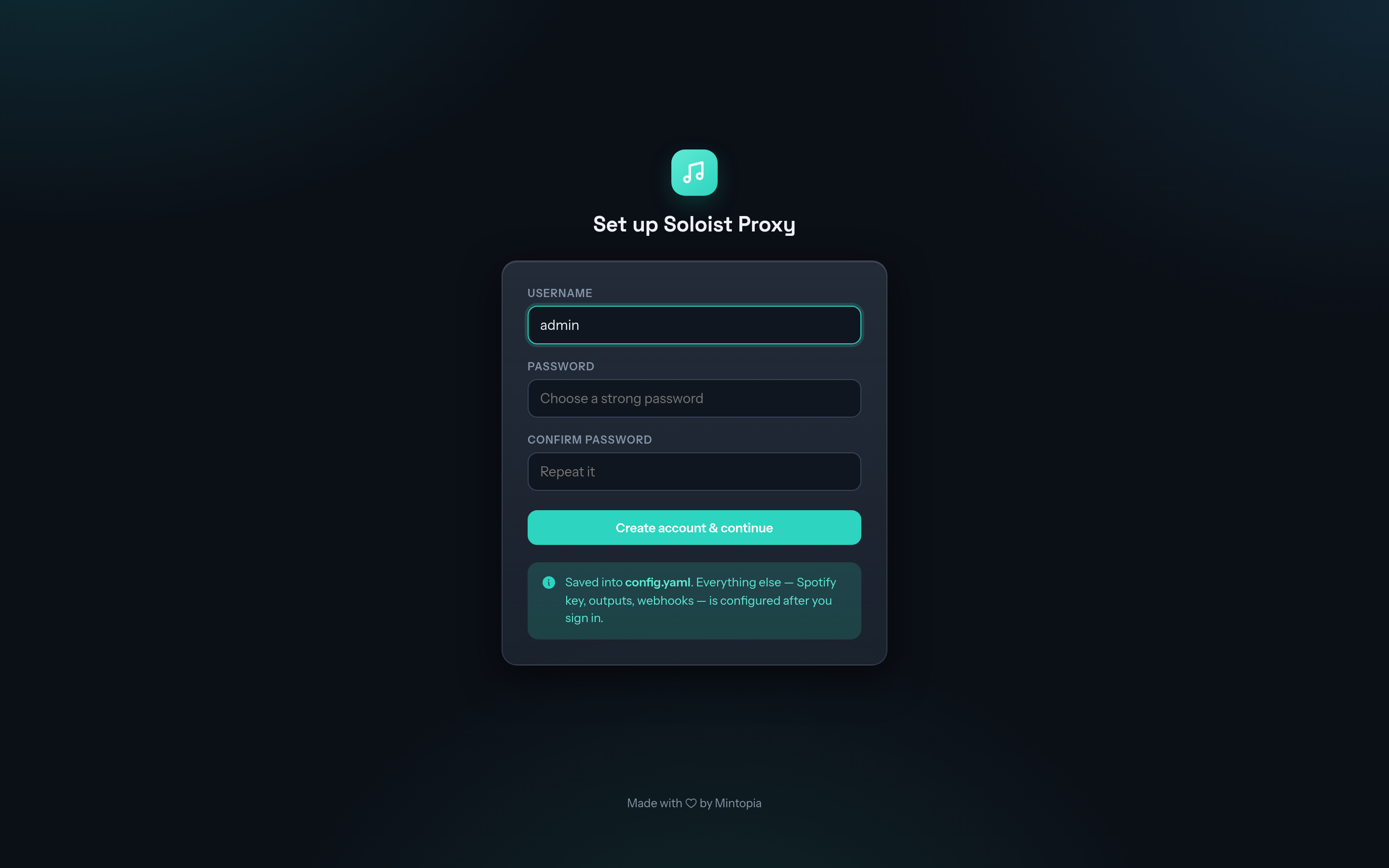
Create your login.
A fresh install shows a setup page. Choose a username and password for the web console. The password is stored hashed.
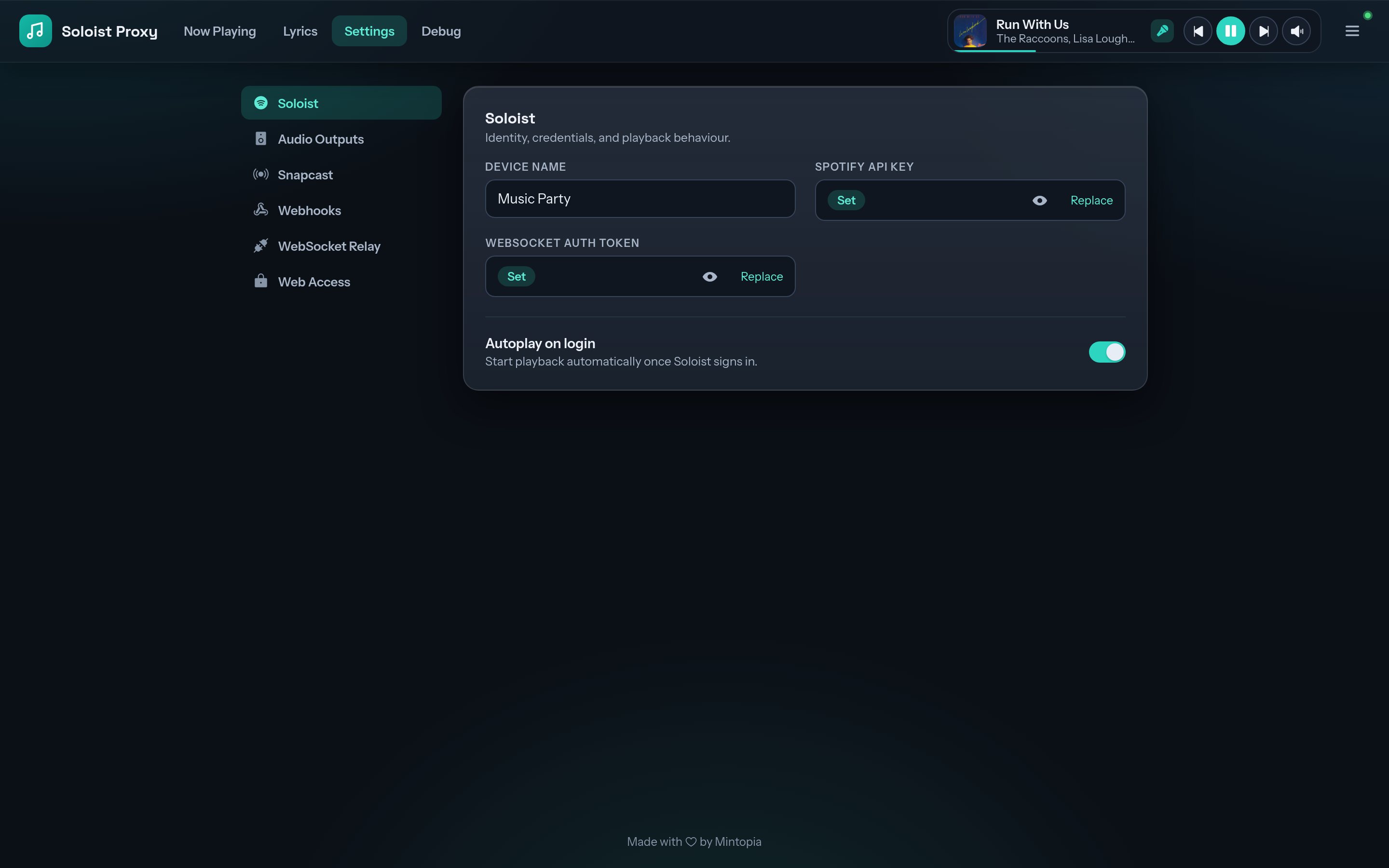
Add your Soloist API key and device name.
Under Settings → Soloist, paste your Soloist API key and choose a Device name. This is what appears in Spotify's device list. Save, and Soloist starts.
Pair with Spotify.
On a phone or computer on the same network, open Spotify, tap the devices icon and pick your device name. That logs Soloist in to your account. The login is kept in the
soloist-datavolume, so you only do this once.Choose where the sound goes.
Under Settings → Audio Outputs, tick the speakers to play through. Snapcast is on by default. See Speakers & DACs.
It says "Authentication required"
A valid Soloist API key alone shows logged_in: false. The key authorises the app, and pairing logs you in. Select the device from the Spotify app on the same LAN (step 3). If it doesn't appear, check the container is using network_mode: host and that your phone isn't on a guest or isolated Wi-Fi network.