
Speakers & DACs
In Docker, Soloist plays into Encore's own PipeWire graph, and Encore fans that audio out to every output you switch on in Settings → Audio Outputs. You can play through the Pi's headphone jack, HDMI and Snapcast all at once.
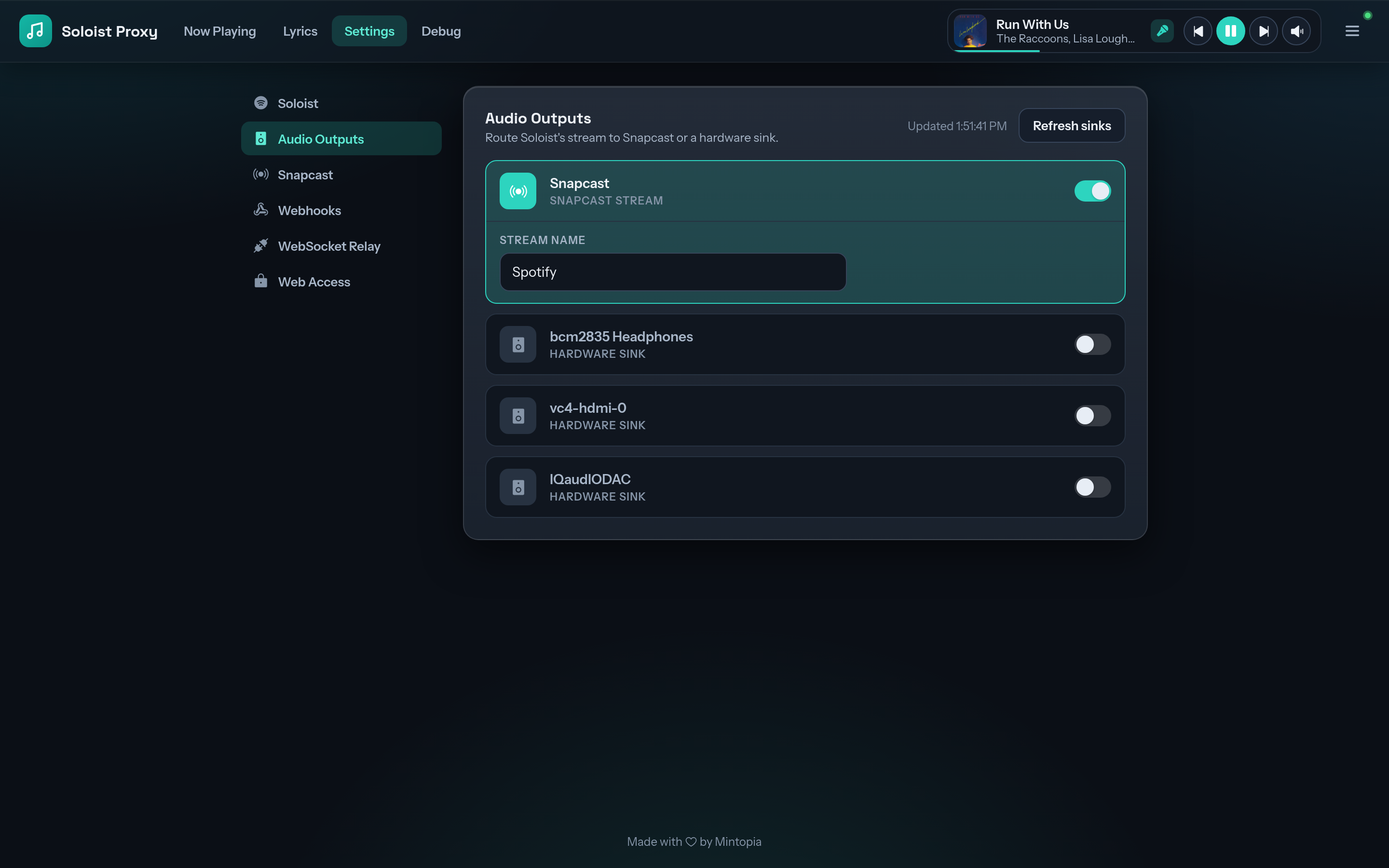
What shows up
Every ALSA sound card passed into the container through /dev/snd appears in the list:
- the board's 3.5 mm headphone jack, if it has one
- HDMI audio
- USB DACs and USB speakers
- DAC HATs, once their overlay is enabled (how)
- Snapcast, Encore's built-in multi-room stream, on by default
If a card is missing, check aplay -l on the Pi lists it, and that the Compose file mounts both /dev/snd and /run/udev. Use Refresh sinks to rescan after plugging something in.
Per-output delay
Each hardware output has a Delay (ms) setting, from 0 to 5000 ms. Use it to line a local speaker up with Snapcast clients in other rooms, or with a TV that adds its own latency.
Saving a changed delay briefly interrupts every delayed output. That's expected for a setting you calibrate once and leave.
In config.yaml
Outputs are listed by their PipeWire node.name:
audio:
  outputs:
    - alsa_output.platform-bcm2835_audio.stereo-fallback
  output_delays:
    alsa_output.platform-bcm2835_audio.stereo-fallback: 120
  snapcast: true
The exact names depend on your hardware. Pick them in the console rather than guessing.
Standalone mode
Without Docker there's no fan-out. Pick a single PipeWire device for Soloist in Settings → Soloist instead.