Web console
Everything is configured from the browser at http://<your-pi>. Settings are written back to config.yaml, keeping any comments you've added by hand. It has light and dark themes.
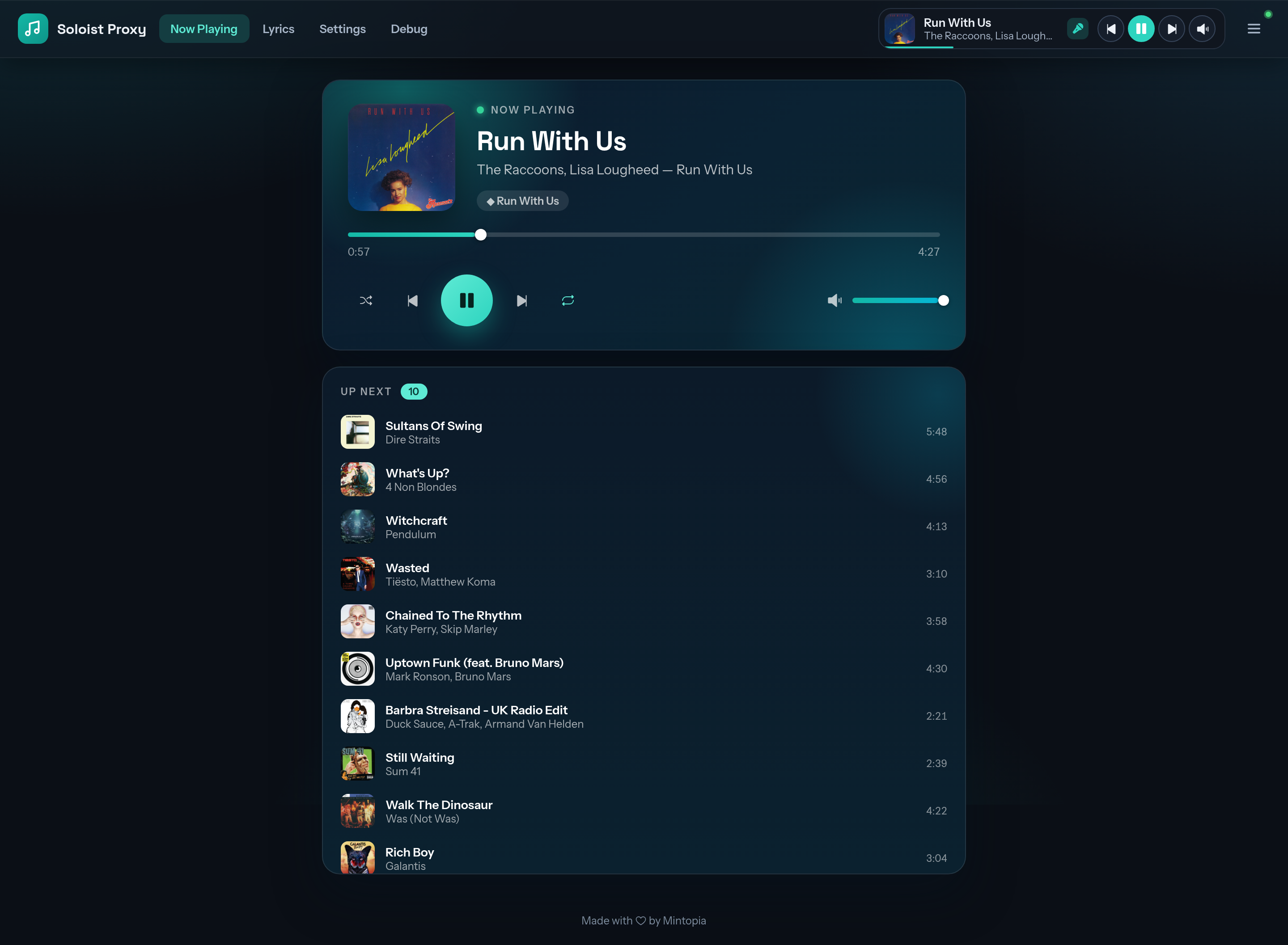
Now Playing
The current track with artwork, a seek bar, transport and volume controls, and the up-next queue. A mini-player follows you around the other pages.
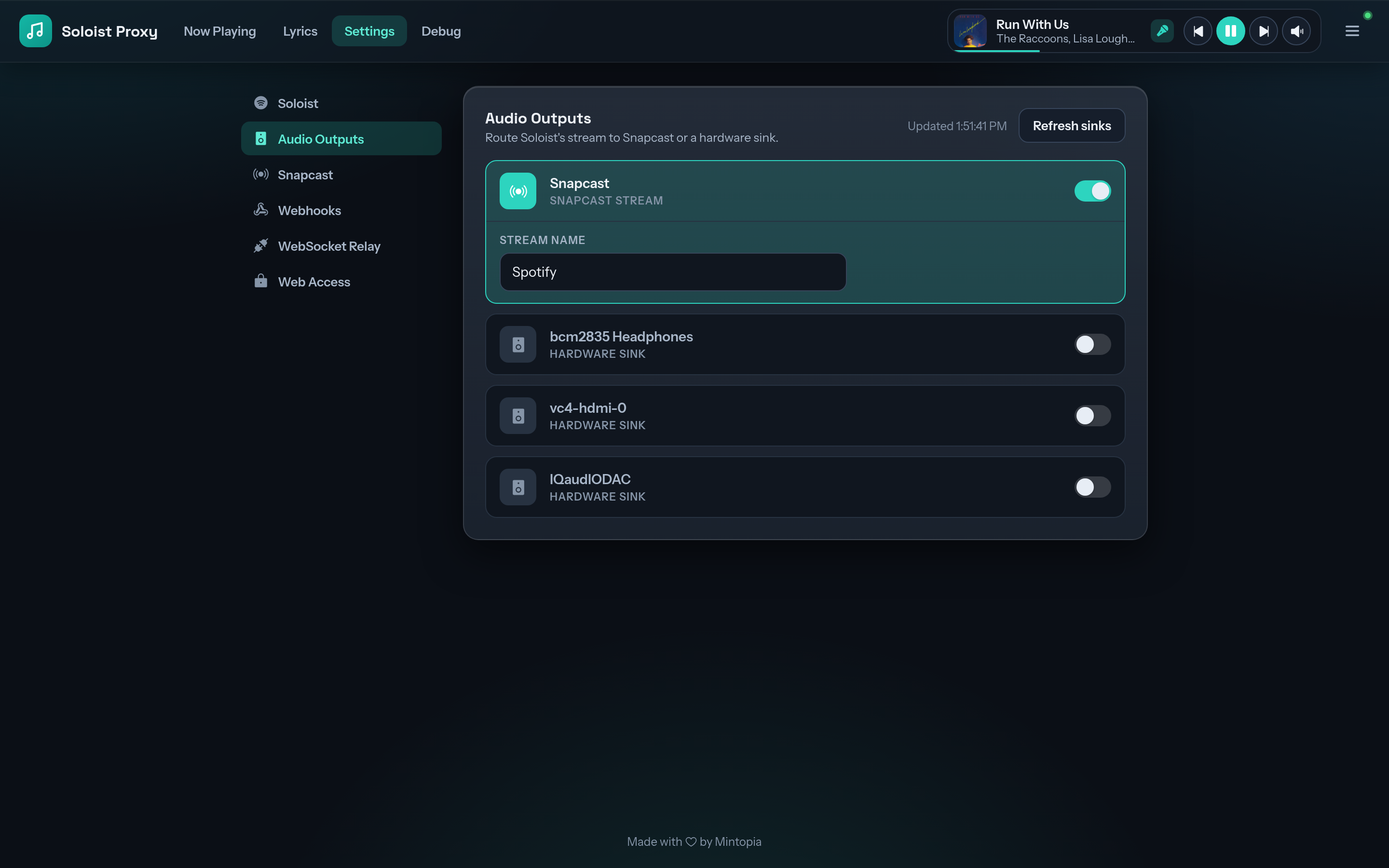
Settings
| Section | What's there |
|---|---|
| Soloist | Device name, Soloist API key, the control WebSocket token, autoplay, PipeWire output device (standalone) |
| Audio Outputs (Docker only) | Which speakers to play through, per-output delay, Snapcast stream name |
| Snapcast (Docker only) | Snapweb, the snapserver.conf template, sending to an external server |
| Webhooks | Default URL, per-event overrides, minimum interval, bearer secret |
| WebSocket Relay | Outbound relay URL, auth header, Pusher channel and keys |
| Web Access | Console username and password |
Secrets are hidden after saving. Each shows whether it's set and has a Replace action. The Soloist API key, auth token and relay credentials also have a View button.
To clear a secret, choose Replace, leave the field empty and save. The console password and the WebSocket auth token can't be cleared, only replaced.
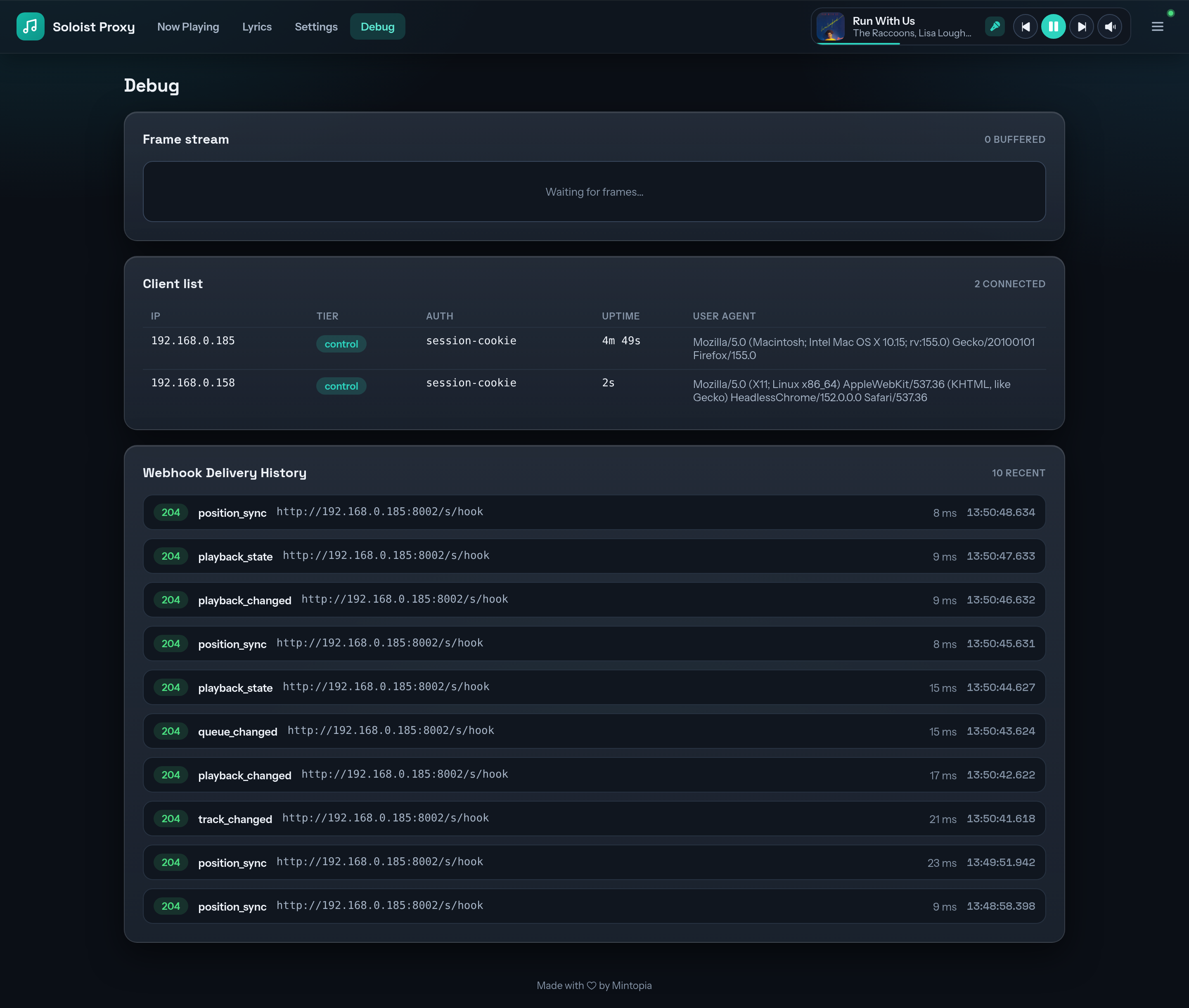
Debug
A live stream of Soloist's frames, every connected client with its access level and uptime, and a log of webhook deliveries with status and latency.